Trusted by 100+ Businesses

.jpg)





.png)
Create and manage WhatsApp-approved message templates with dynamic variables. Sync with Meta, track approval status, and use templates in campaigns, flows, and live chat.
Trusted by 100+ Businesses
How to Create, Approve & Send Template Messages in SEWS
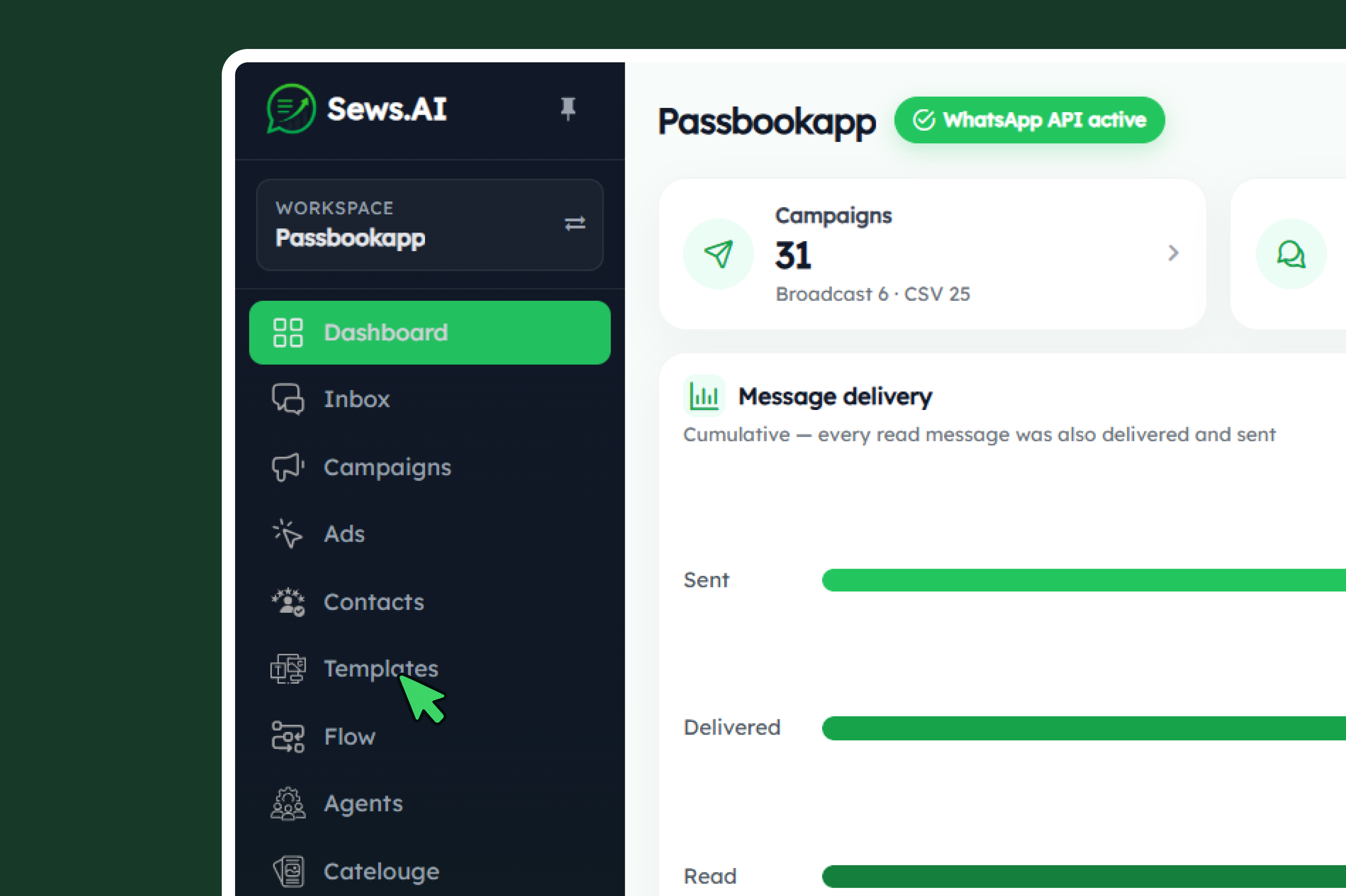
Open Template Messages
Log in to your SEWS.ai dashboard and navigate to Template Messages to view and manage your WhatsApp templates.
.png)
Create a New Template
Click New and choose a category: Marketing, Utility, or Authentication. Add your message content and review the live WhatsApp-style preview.
.png)
Submit for Meta Approval
Submit your template to Meta for review. Approval may take 15 minutes to 24 hours, and templates can only be sent after approval.
.png)
Check Template Status
Use the template table to search templates and check their Meta approval status, active status, message type, and creation date. Use Force Meta Sync if needed to refresh the status.
.png)
Test & Use Approved Templates
Once approved and active, test your template using Send Test Message, then use it in your WhatsApp campaigns and chatbots.
WhatsApp is the One Platform that brings together Actionable Notifications & Customer Support!
98%
Open Rates
45-60%
Click Rates
2.60Bn+
Active Users
70%
Engagement Rate
.
Simplify customer communication and strengthen engagement with SEWS.ai’s WhatsApp solutions. Create your free account today — no credit card required.
⚡ Powered by the Official WhatsApp Business API
.
.
Automate WhatsApp conversations, launch marketing campaigns, manage customer interactions, and grow your business with AI-powered tools.
Product
Resource
Company
© 2026 Proficonlabs Private Limited. All rights reserved. Sews AI is a product of Proficonlabs Private Limited.