Trusted by 100+ Businesses







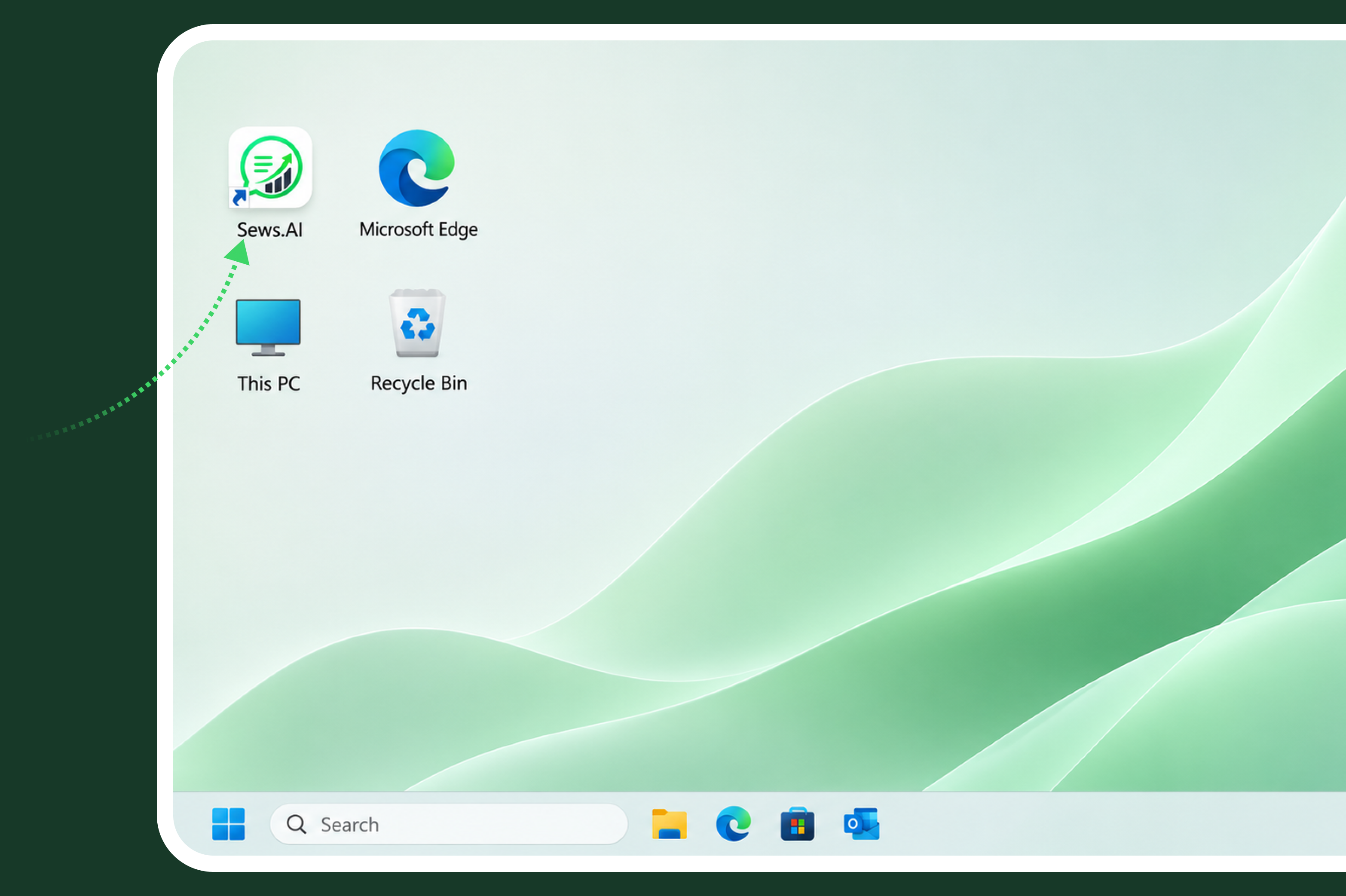
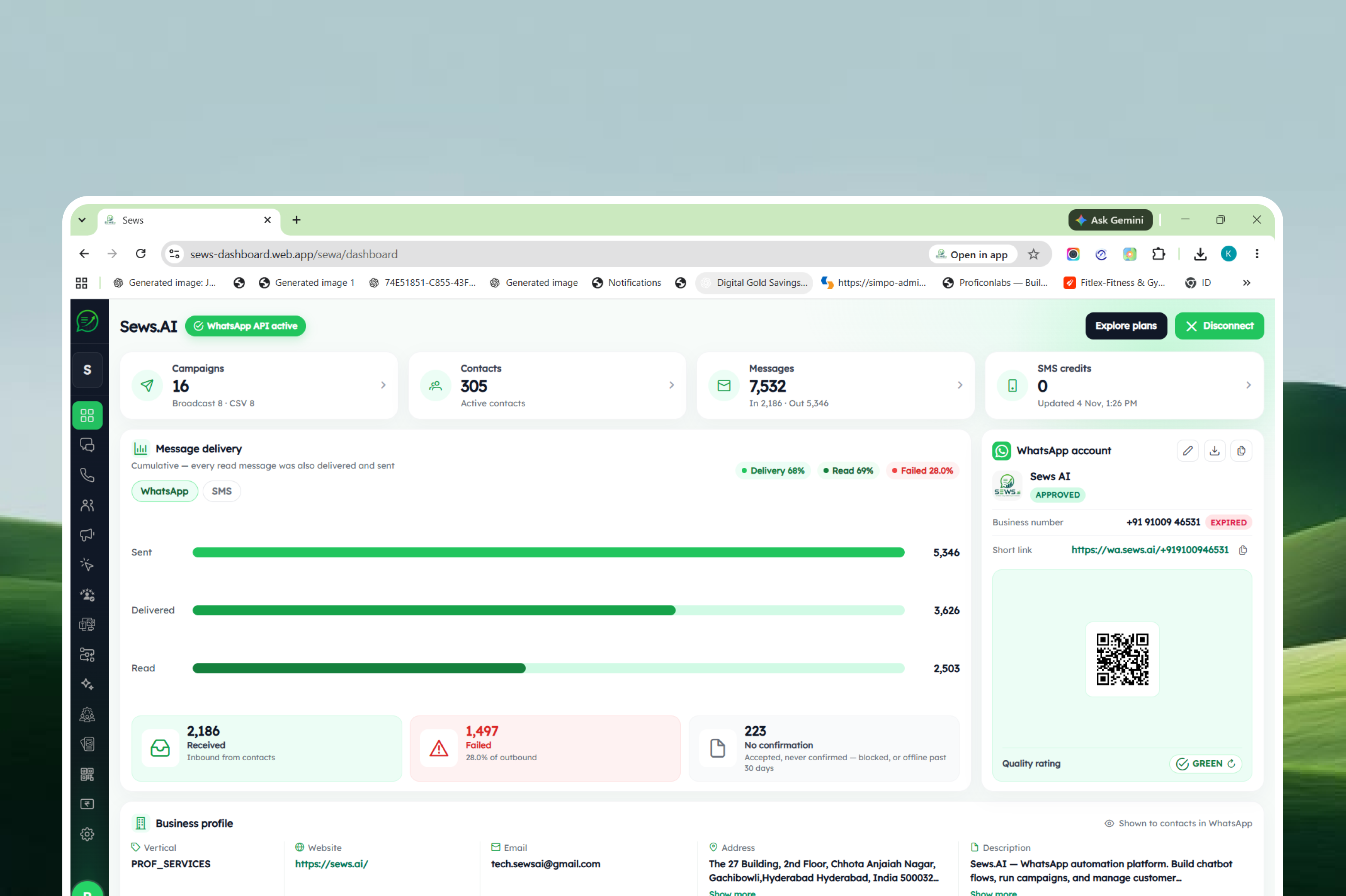
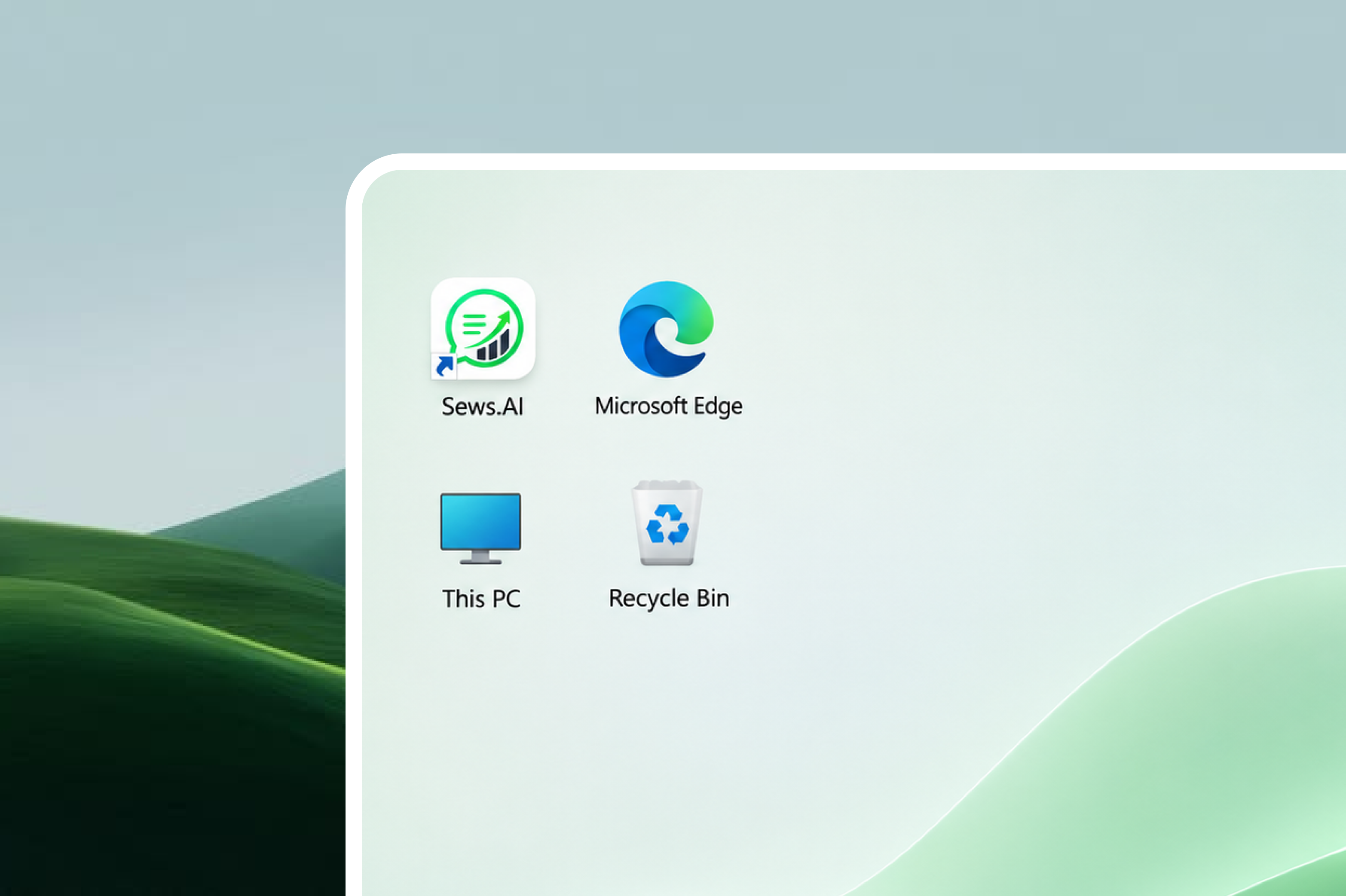
Want to access SEWS.ai directly from your desktop with just one click? It's quick and easy!
You can install the SEWS.ai web application through your browser on your PC or laptop for convenient access whenever you need it.
In this tutorial, we'll walk you through the simple steps to install and access the SEWS.ai browser application on your desktop.
Trusted by 100+ Businesses
How to Install the SEWS App on Your Desktop
Follow these simple steps to install SEWS.ai as a desktop application and access it directly from your computer without opening the browser every time.
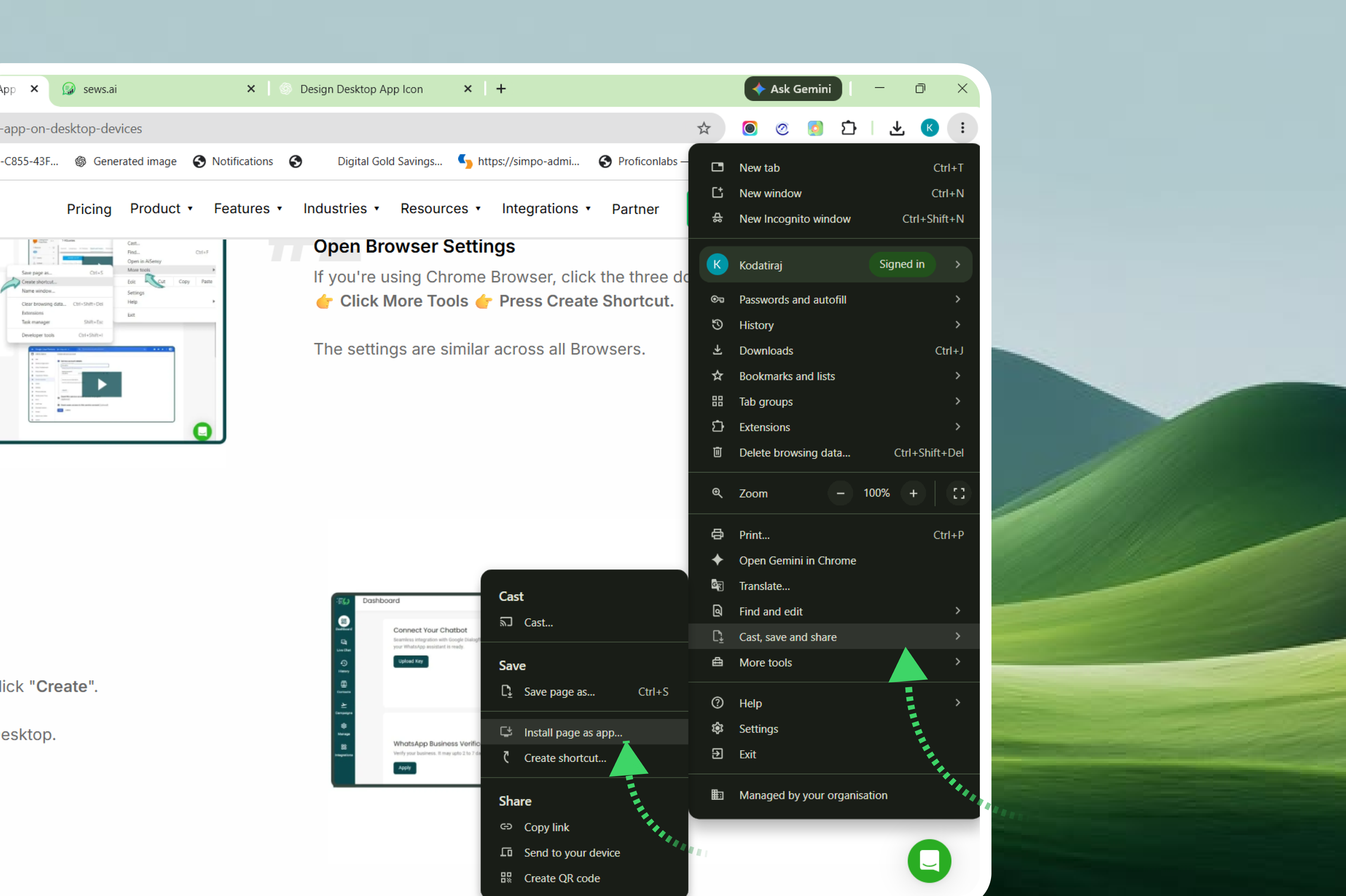
Open Browser Settings
Click the three-dot menu (⋮) in the top-right corner of Chrome.
Navigate to Cast, save and share.
Select Install page as app from the submenu.
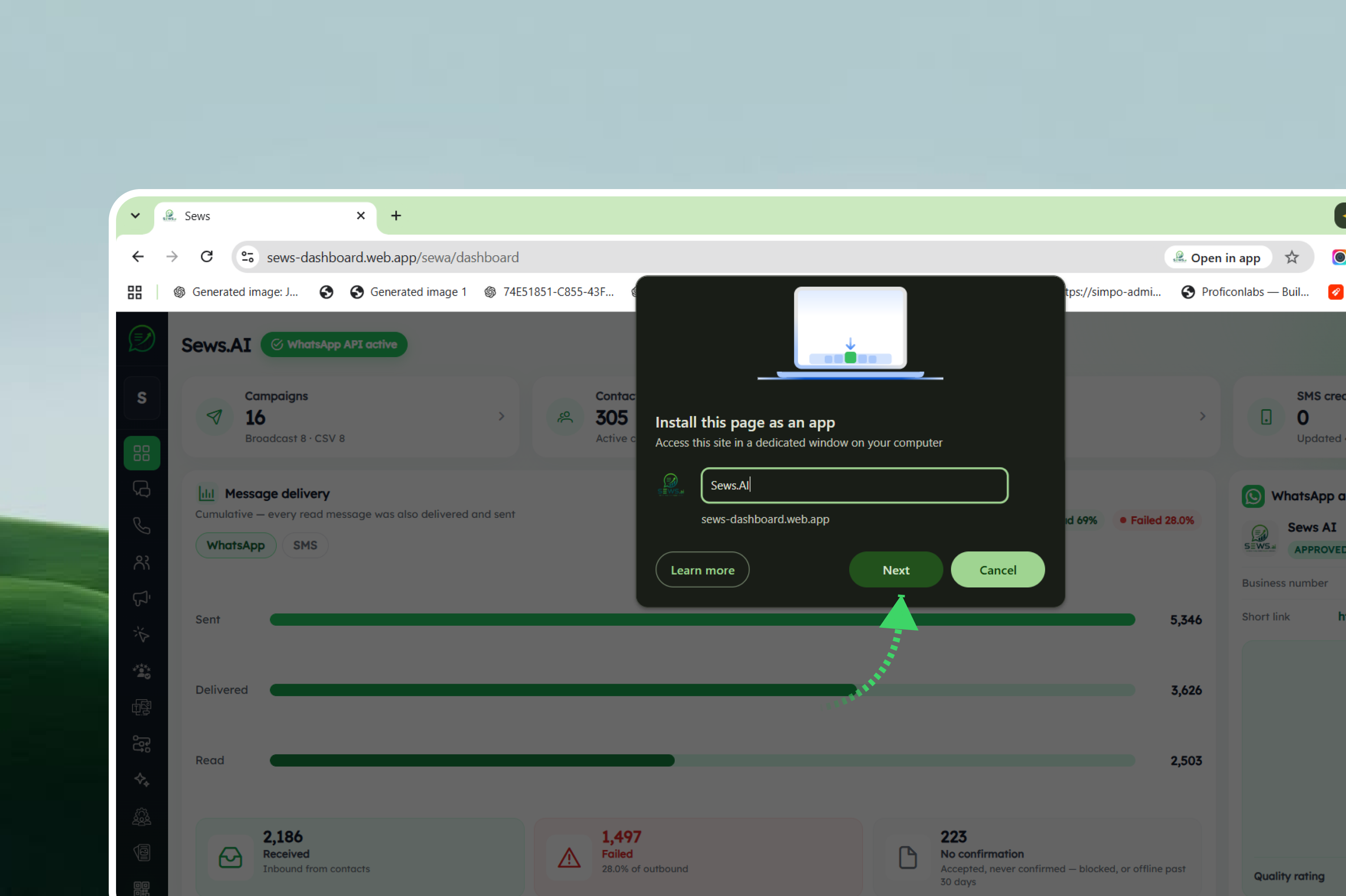
Install the SEWS Application
A pop-up window titled Install this page as an app will appear.
Enter or keep the application name as Sews.AI.
Click Next.
Follow the browser prompt and click Install to complete the installation.
WhatsApp is the One Platform that brings together Actionable Notifications & Customer Support!
98%
Open Rates
45-60%
Click Rates
2.60Bn+
Active Users
70%
Engagement Rate
.
Simplify customer communication and strengthen engagement with SEWS.ai’s WhatsApp solutions. Create your free account today — no credit card required.
⚡ Powered by the Official WhatsApp Business API
.
.
Automate WhatsApp conversations, launch marketing campaigns, manage customer interactions, and grow your business with AI-powered tools.
Product
Resource
Company
© 2026 Proficonlabs Private Limited. All rights reserved. Sews AI is a product of Proficonlabs Private Limited.